Remote Interviewing: How To Conduct Remote Interviews Well
Remote hiring isn't new anymore, but doing it well still trips up a surprising number of teams. Between awkward video calls, inconsistent evaluation criteria, and candidates who seem great on screen but fizzle on day one, knowing how to conduct remote interviews effectively is a skill that separates good hiring teams from frustrated ones. And with distributed teams now the norm rather than the exception, getting this right matters more than ever.
The core challenge? A remote interview strips away most of the in-person cues recruiters have relied on for decades. You can't read the room the same way. Small talk feels forced. Technical assessments get clunky. Without a deliberate structure, remote interviews default to casual video chats that tell you very little about whether someone can actually do the job. That's a problem when a bad hire costs you months of lost productivity and tens of thousands in sunk costs.
This guide breaks down exactly how to plan, run, and evaluate remote interviews so you hire the right people, not just the ones who interview well on camera. We'll cover everything from tech setup and question design to scoring frameworks and candidate experience. And if you're looking to go further, Olibr's AI-powered interview tools can handle structured candidate assessments automatically, analyzing responses and even facial expressions to give your team objective data alongside your gut instincts. Let's get into it.
What good remote interviews require
Remote interviews fail most often not because of bad candidates, but because of unprepared interviewers and inconsistent evaluation processes. When you're working out how to conduct remote interviews that actually produce good hiring decisions, the foundation comes down to three things: structure, reliable technology, and a candidate experience that doesn't leave people feeling dismissed. Get all three right, and your remote process will outperform in-person interviews on nearly every measurable outcome.
Structure and consistency
Without a physical office setting to anchor the conversation, remote interviews drift fast. One interviewer runs a free-flowing chat; another fires off a scripted list of questions. By the time you're comparing notes, you're evaluating completely different things about the same candidate, which makes your comparisons almost meaningless. Structure solves this by giving every interviewer a shared framework: the same questions, the same scoring criteria, and the same time allocation per topic.
Consistency doesn't mean robotic. It means every candidate gets a fair shot at the same questions so your comparisons actually reflect performance, not interview style.
Research from Google's re:Work project on structured interviewing found that structured interviews are nearly twice as predictive of job performance compared to unstructured ones. That means fewer gut-feel hires and more decisions that hold up once someone is actually in the role. The data supports building the structure upfront, every time.
Technology that doesn't get in the way
Bad audio, laggy video, and dropped connections derail interviews fast. The candidate gets flustered. You miss key answers. The session loses momentum, and you end up evaluating how someone handles tech stress rather than whether they can do the job. Reliable technology isn't optional, it's the baseline for a professional process.
Your setup needs a few non-negotiables: a stable internet connection with a wired fallback, a quality microphone, adequate lighting, and a video platform your whole team uses consistently. The specific platform matters less than everyone knowing it well. Widely used options like Microsoft Teams or Google Meet handle most interview scenarios without extra configuration. Pick one standard tool and train your team on it instead of letting everyone default to whatever they personally prefer.
Also, always run a tech check before the interview, not during it. A five-minute test the morning of the interview catches most avoidable problems and keeps the actual session focused on the candidate.
Candidate experience
The way you run an interview signals what working at your company actually feels like. A disorganized process, late starts, unclear instructions, or interviewers who clearly haven't read the resume all send the same message: this team doesn't operate with much care. Candidates who don't get the job still talk about their experience. Your employer brand lives in those conversations.
Treat every interview like the candidate is already evaluating you. Send them the video link, the agenda, and the interviewer names at least 24 hours in advance. Tell them how long the session will run, what format to expect, and who to contact if they hit a technical issue. These small steps eliminate unnecessary anxiety that throws candidates off and muddies your read on their actual capabilities.
Strong candidate experience also means building in dedicated time for their questions, not as a rushed afterthought, but as a real part of the conversation. The questions a candidate asks reveal how they think and what they actually care about. That information is worth protecting by designing space for it from the start.
Step 1. Build a clear interview plan
Before you run a single session, you need a written plan that answers three questions: what are you testing for, who is interviewing, and in what order? Without this, your team wastes time covering the same ground in back-to-back rounds, and candidates get frustrated repeating themselves. A clear plan is the first thing you need to nail when figuring out how to conduct remote interviews that produce consistent, defensible hiring decisions.
Define the competencies you're hiring for
Start by listing the three to five competencies that the role genuinely requires. Not every soft skill on the job description, but the ones where a gap would cause real problems on the job. For an engineering role, that might be system design thinking, debugging under pressure, and written communication. For a sales role, it could be objection handling, pipeline discipline, and stakeholder management.
If you can't name the three competencies a candidate must demonstrate to pass, you're not ready to interview yet.
Once you have your list, tie each competency to a specific interview stage so nothing gets missed and nothing gets repeated. This mapping becomes the backbone of your plan before a single invite goes out.
Assign stages and interviewers
With your competencies mapped, decide how many rounds you actually need. Most roles don't require more than three focused stages: an initial screen, a skills or case round, and a final values conversation. Adding more rounds doesn't improve hiring accuracy; it drives up candidate dropout rates among people who already have competing offers.
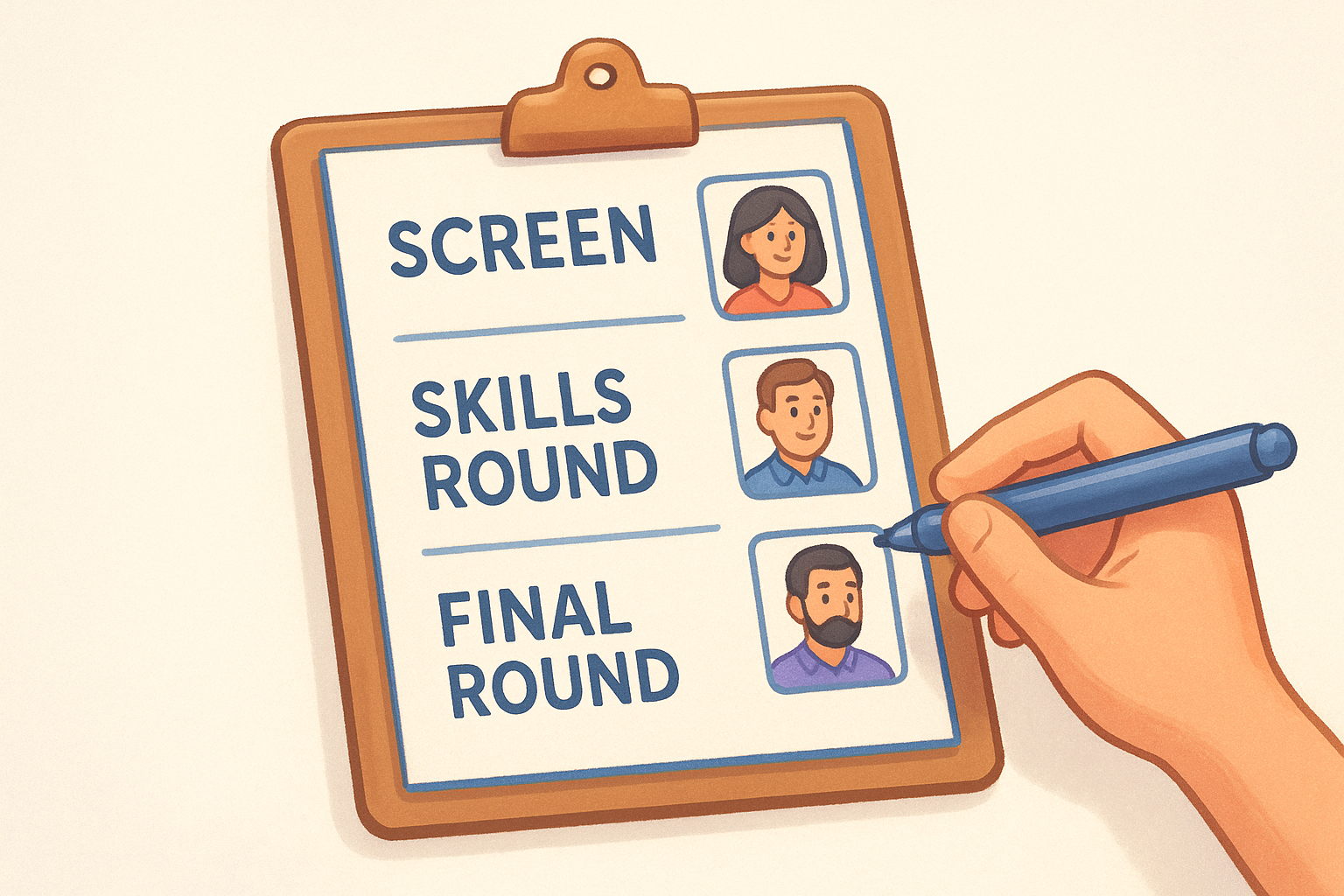
Use the table below as a starting template:
| Stage | Format | Duration | Who Interviews | What It Covers |
|---|---|---|---|---|
| Screen | Video call | 20-30 min | Recruiter | Role fit, logistics, motivation |
| Skills round | Video + task | 45-60 min | Hiring manager | Core technical or functional skills |
| Final round | Panel video call | 45 min | Team leads | Values, collaboration, leadership fit |
Assign a single owner to each stage who is responsible for sending the invite, running the session, and submitting a score. Shared ownership creates confusion about who handles each step. Fill this template in before your first interview goes out, and you'll cut out the most common planning failures that drag hiring timelines into unnecessary delays.
Step 2. Write questions and scorecards
Your interview plan tells you what to evaluate; your questions and scorecards tell you how to measure it. This is where most hiring teams cut corners, and where the quality of your decisions either holds up or falls apart. Writing good questions is one of the highest-leverage steps in learning how to conduct remote interviews that actually predict performance rather than just reward confident talkers.
Write behavioral and situational questions
Behavioral questions ask candidates to describe what they actually did in past situations, while situational questions present a hypothetical scenario and ask how they would respond. Both types outperform generic questions like "tell me about yourself" because they require specific, structured answers you can score.
Avoid questions that invite candidates to describe their ideal self. Ask them to describe what they actually did, and let the specifics reveal the truth.
For each competency on your list, write one behavioral and one situational question. This gives you two angles on the same skill and helps you catch candidates who describe polished hypotheticals but struggle to recall real examples. Below are sample pairs for two common competencies:
| Competency | Behavioral Question | Situational Question |
|---|---|---|
| Problem-solving under pressure | "Tell me about a time you had to fix a critical issue with limited information. What did you do?" | "Imagine a key system goes down two hours before a client demo. Walk me through your response." |
| Cross-functional communication | "Describe a project where you had to align people from different teams with competing priorities." | "You're leading a project and two stakeholders disagree on the direction. How do you handle it?" |
Build a scoring rubric
A question without a rubric is just a prompt. A rubric tells your interviewers what a strong, average, and weak answer actually looks like before they hear a single response, so they're not making it up as they go. Without one, two interviewers watching the same answer will score it differently based on personal bias.
Keep it simple. Use a 1-to-4 scale for each competency: 1 means the answer showed no evidence, 4 means it showed clear, specific, compelling evidence. Write two or three example signals for each score level before the interview starts. After every session, each interviewer submits individual scores before any group discussion, which prevents the loudest voice in the debrief from pulling everyone's scores toward their own read.
Step 3. Set up tech, logistics, and backups
Even the best questions fall flat when your audio cuts out or the candidate can't find the link. Technical failures cost you candidate confidence and muddy your read on someone's actual performance. Before you apply any of the other guidance on how to conduct remote interviews, lock in your tech setup so it runs cleanly every time, not just most of the time.
Standardize your platform and equipment
Pick one video platform your whole team uses for every interview and train everyone on it before they run a session. Switching platforms per interviewer creates confusion and makes it harder to identify what breaks between sessions.
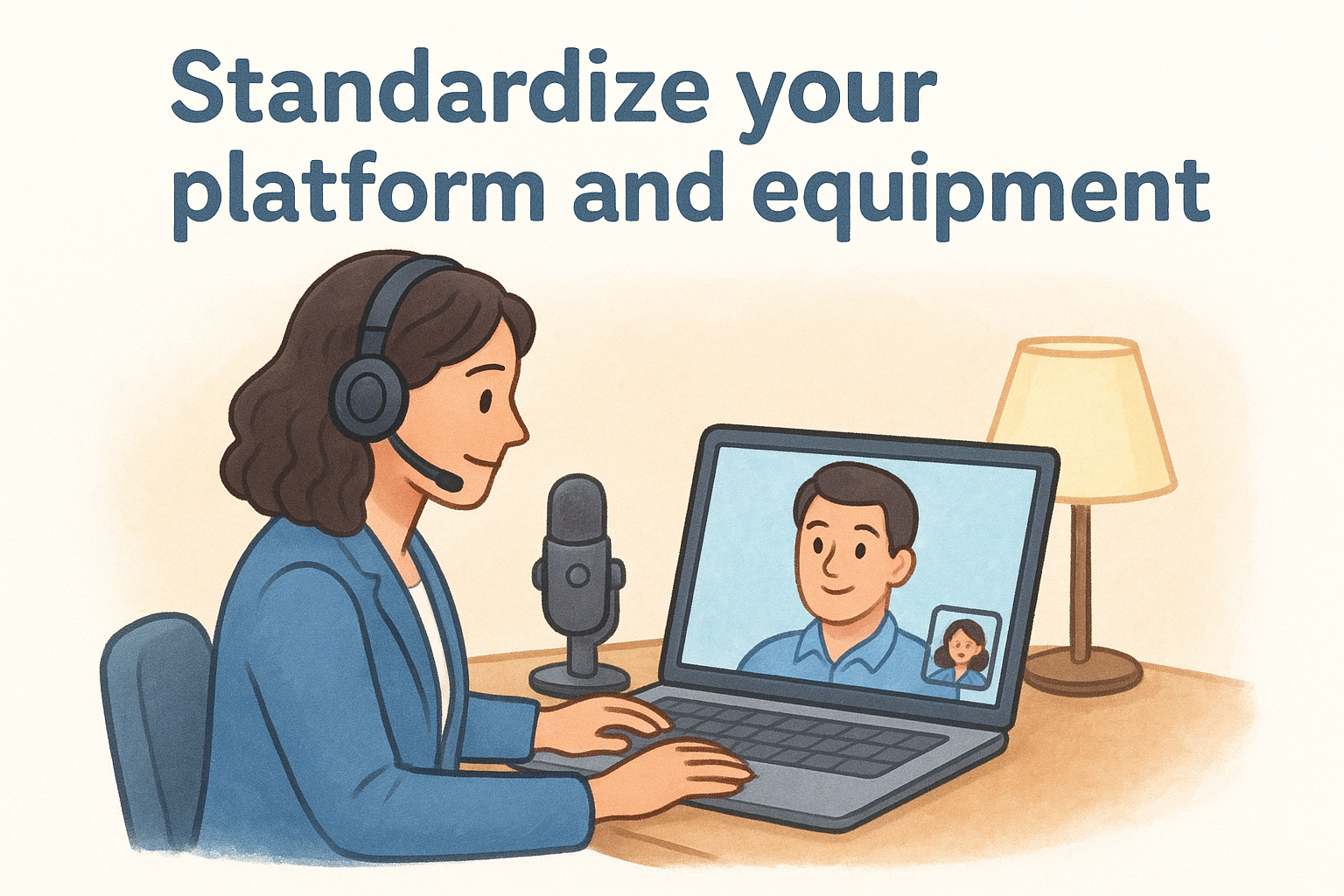
For equipment, run through this checklist before every interview:
- Microphone: Use a dedicated USB mic or noise-canceling headset, not your laptop's built-in mic
- Camera: Position it at eye level so you appear engaged rather than looking down at the candidate
- Lighting: Place a lamp or ring light in front of you, not behind you, to avoid a silhouette effect
- Connection: Use a wired ethernet connection wherever possible; wireless drops at the worst moments
- Background: Choose a clean, neutral space or a plain virtual background if your environment is cluttered
Run a pre-interview tech check
Send every candidate a test link 24 hours before the interview and ask them to confirm audio and video work on their end. Do the same on yours. A five-minute dry run the morning of the session catches microphone issues, pending software updates, and camera glitches that would otherwise surface mid-conversation.
Your preparation signals professionalism, and a flawless tech setup tells candidates you run a tight, thoughtful operation.
Build a backup plan into the invite
Things break, and a recovery plan takes two minutes to build but saves you from scrambling in front of a candidate. Write your backup directly into the calendar invite so both sides know exactly what to do the moment something fails. Use this template:
Primary platform: [Video link]
Backup option: [Phone number or secondary video link]
Contact if issues arise: [Recruiter name + direct phone]
Recovery rule: If we lose connection for more than 3 minutes, we switch to the backup immediately.
Candidates who receive this arrive feeling prepared rather than anxious, and you spend the session evaluating actual skills instead of recovering from avoidable disruptions.
Step 4. Run the interview like a pro on video
Running a remote interview well takes more deliberate effort than an in-person conversation. You can't rely on physical presence to project confidence, and candidates pick up on disorganized openings and distracted interviewers faster than you might expect. This is where knowing how to conduct remote interviews shifts from planning to execution, and the gap between a professional session and a forgettable one comes down to how you handle the first two minutes and the last five.
Open strong and set the pace
The first thing you say shapes the entire conversation. Start every session by introducing yourself, confirming the agenda, and setting a clear time frame so the candidate knows exactly what to expect. Candidates who feel oriented at the start perform better because they're not wasting mental energy trying to guess what's coming next.
Use this opening script as your template:
"Hi [Name], great to meet you. I'm [Your Name], [Title] here at [Company]. Today's session runs about [X] minutes. I'll start with a few questions, we'll do a quick scenario exercise, and I'll leave the last ten minutes for your questions. Sound good?"
This takes under 30 seconds to deliver and immediately signals that you run a tight, respectful process.
Keep the conversation focused and on the record
Once you're into the questions, your job is to listen actively and take clean notes, not to coach the candidate toward better answers or fill silences with reassurances. Let pauses breathe. When a candidate finishes an answer, probe with a single follow-up before moving on: "Can you walk me through the specific outcome?" or "What would you do differently now?" These probes reveal how candidates think under light pressure without adding stress that skews your evaluation.
Take notes in a shared document during the session, not after it. Memory degrades fast, and the small details that distinguish a strong answer from a weak one disappear within hours of the call ending.
Close with intention and a clear next step
End every session the same way: thank the candidate, open the floor for their questions, and tell them exactly when and how they'll hear back. Don't say "we'll be in touch soon." Give a specific date and communication channel, even if it's a ballpark. Candidates who leave with clear expectations stay engaged longer and drop out less.
Step 5. Evaluate fairly and decide fast
The debrief is where most hiring decisions go wrong. You've done the hard work of running a structured session, but if your evaluation process lets one strong opinion override everyone else's scores, you'll end up making the same gut-feel decisions you were trying to avoid when figuring out how to conduct remote interviews properly. Speed and fairness both matter here: slow decisions lose candidates, and biased ones cost you credibility with your team.
Score before you discuss
Before anyone opens a debrief meeting, every interviewer must submit their individual scores using the rubric you built in Step 2. No exceptions. Once people hear someone else's opinion, their scores drift toward it, a well-documented psychological effect called anchoring. Requiring individual scoring before group discussion protects the independent signal each interviewer brings.
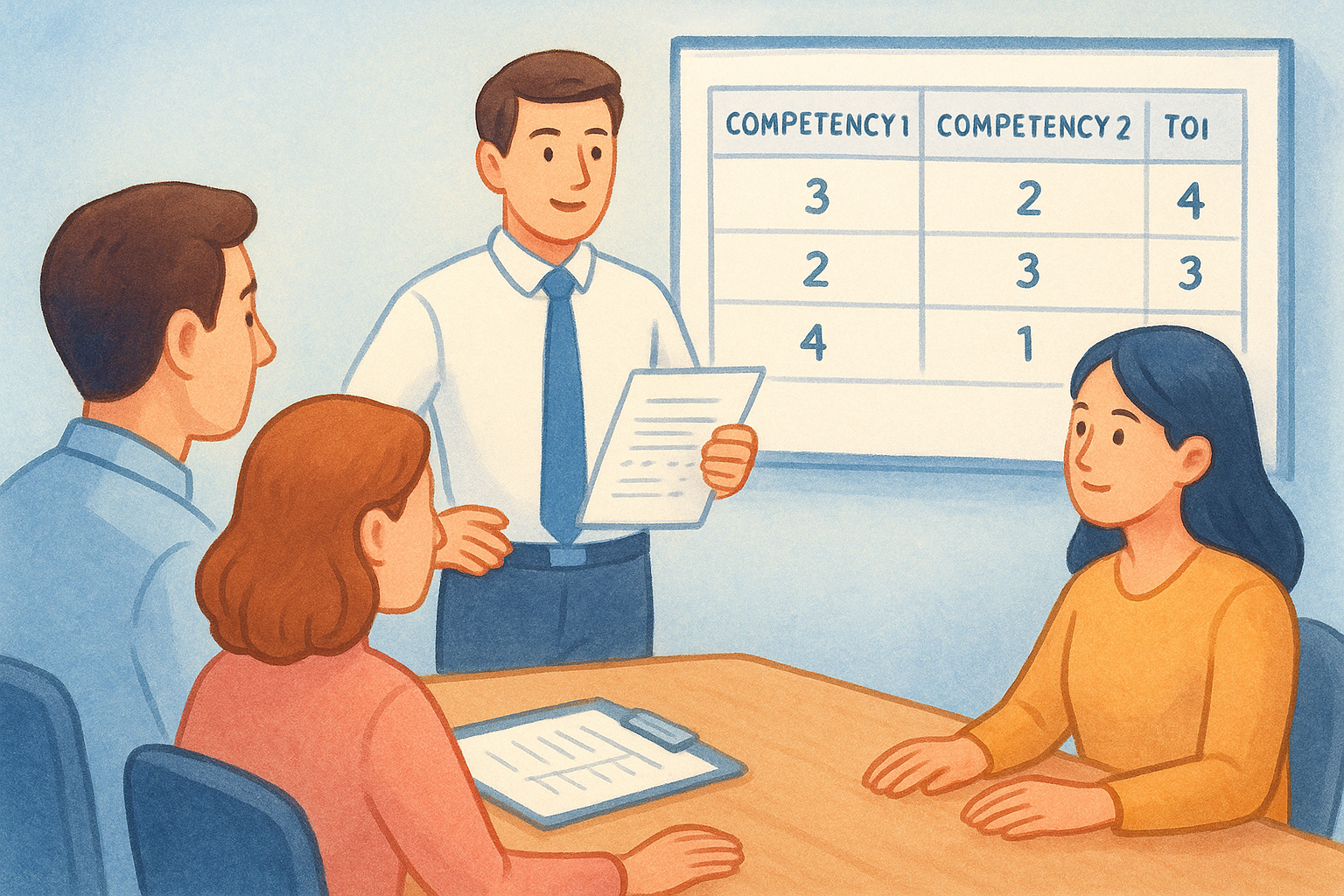
Independent scores submitted before any discussion are the single most effective way to reduce bias in your hiring debrief.
Use a simple template to collect scores consistently:
| Interviewer | Competency 1 (1-4) | Competency 2 (1-4) | Competency 3 (1-4) | Total | Hire / No Hire |
|---|---|---|---|---|---|
| [Name] | |||||
| [Name] | |||||
| [Name] |
Once scores are in, aggregate them before the meeting starts so everyone sees the numbers without knowing who said what. This surfaces real disagreements rather than burying them under the loudest voice in the room.
Make the call within 24 hours
After the debrief, set a firm decision deadline of 24 hours and stick to it. Candidates who have completed a final round are almost always in conversations with other companies. A three-day deliberation doesn't mean you're being thorough; it means you're handing your top choice to a faster-moving competitor.
During the debrief itself, focus the discussion on score gaps rather than general impressions. If two interviewers scored the same competency at opposite ends of the scale, that's the only disagreement worth resolving out loud. Everything else is noise. Assign one decision-maker who has final authority to break ties and commit to an outcome before the call ends, so you leave with a clear answer, not a vague plan to keep thinking about it.
Step 6. Follow up, document, and improve
Most hiring teams treat the interview as the finish line. It isn't. What you do in the 48 hours after the session determines your employer reputation, your legal defensibility, and whether your process actually gets better over time. This final step is where teams who understand how to conduct remote interviews properly separate themselves from those who just run calls and hope for the best.
Send candidate follow-up within 24 hours
Every candidate who completes a round deserves a clear, specific message about where they stand and what happens next. Vague non-answers like "we'll be in touch" erode trust and push candidates toward competing offers. Use this template for post-interview follow-up:
Subject: Update on your interview with [Company Name]
Hi [Name],
Thank you for your time today. We're currently completing interviews and expect to have a decision by [specific date]. You'll hear from me directly by then via [email/phone].
In the meantime, feel free to reach out if you have questions.
[Your name]
Send this within 24 hours of every session, including rounds where you already know the candidate won't move forward. Rejections delivered quickly and respectfully are better than silence that drags on for weeks.
Document every decision with reasoning
After each hire or rejection, record the specific scores and the key reasoning behind the decision in your ATS or a shared document. Over time, this builds a paper trail that protects you from bias claims and gives you data to improve your process. Use a simple format:
| Field | Details |
|---|---|
| Candidate name | |
| Role | |
| Round completed | |
| Average competency score (1-4) | |
| Decision | Hire / Reject / Hold |
| Primary reason | One or two sentences |
Documentation isn't just legal protection; it's the raw material for building a hiring process that keeps getting sharper.
Review your process regularly
Set a quarterly calendar reminder to review your interview data across roles. Look for patterns: where do candidates consistently score low, where do your scorecards disagree most, and which hires thrived versus struggled after 90 days? These patterns reveal gaps in your question design or evaluation criteria that no amount of intuition will surface on its own.
Use what you find to update your question bank, revise scoring rubrics, and brief your team on what's changing and why. A process that improves with every hiring cycle compounds over time, which means your future hires will consistently be stronger than your past ones.
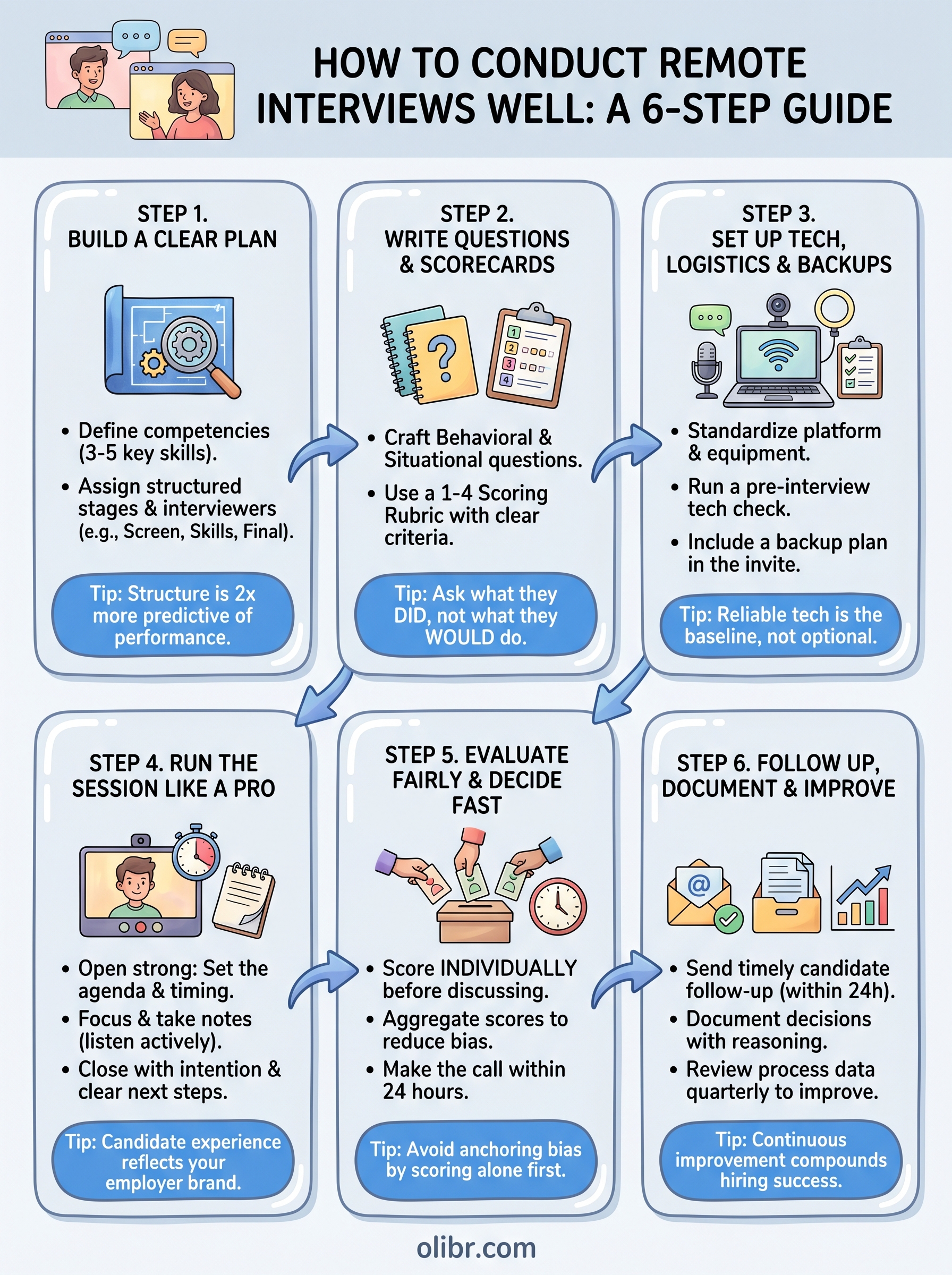
Quick wrap-up
Running remote interviews well comes down to deliberate preparation and consistent execution, not luck or charisma on camera. When you build a structured plan, write questions tied to real competencies, lock in your tech before the session starts, and score candidates against a rubric before any group discussion, your hiring decisions get sharper and faster with every round. Each step in this guide builds on the one before it, so skipping the early planning work always shows up in the evaluation stage.
The teams that figure out how to conduct remote interviews effectively treat the process as an asset they actively maintain, not a box they check. Document your decisions, review your data quarterly, and update your questions when patterns reveal gaps. That compounding improvement is how good hiring teams become great ones. If you want to cut the manual load further, explore Olibr's AI-powered recruiting and interview tools to automate structured assessments and spend your time on the decisions that need a human call.
For engineers
Find work worth your time.
Live engineering roles across India and the US, matched to your stack. Build a profile recruiters actually discover.