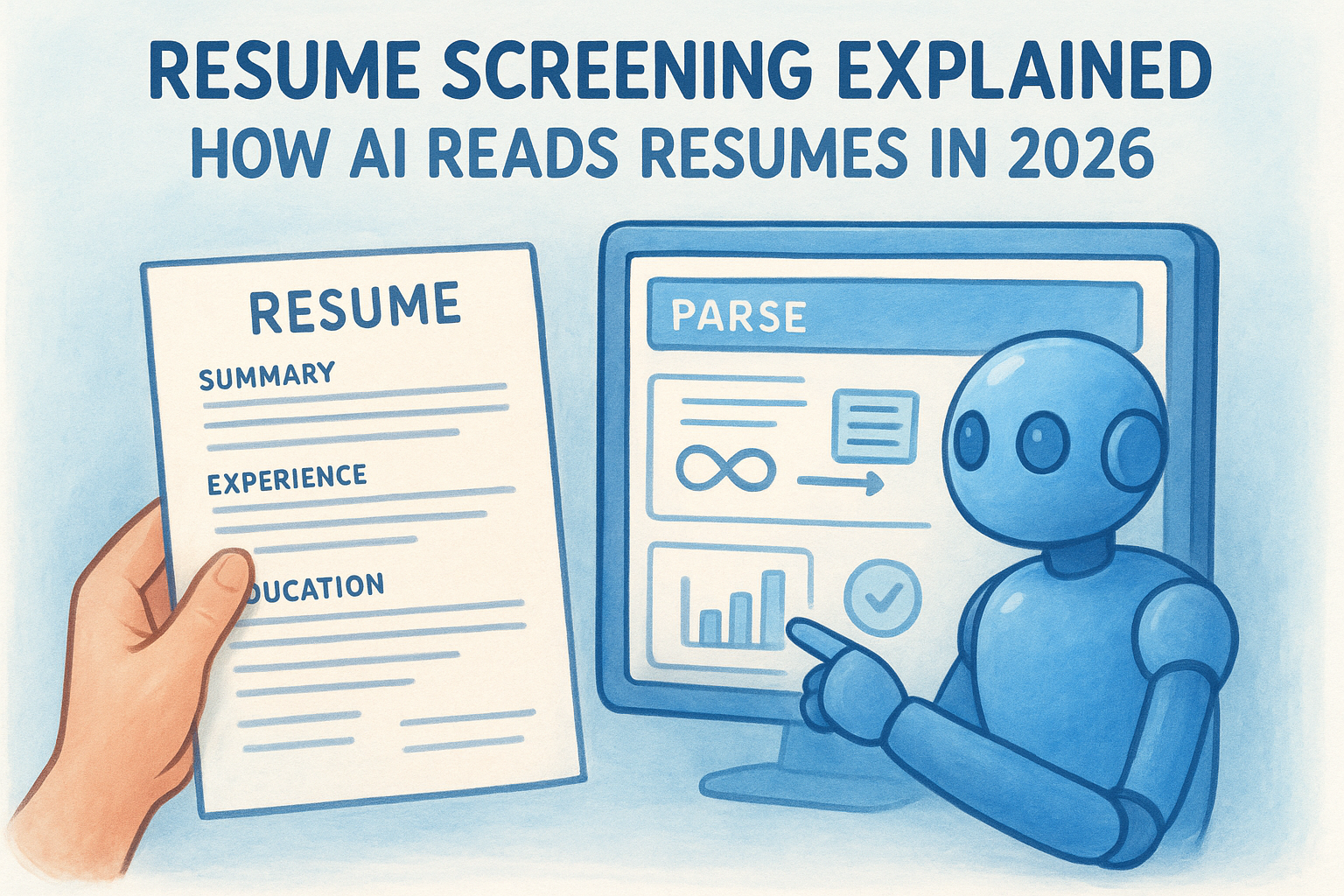
Resume Screening Explained: How AI Reads Resumes In 2026
Most resumes never reach a human recruiter. Before anyone reads a cover letter or scans work history, software has already scored, ranked, and filtered the applicant pool. Understanding how AI reads resumes gives you a real edge, whether you're a candidate trying to get noticed or a recruiter trying to understand what your tools are actually doing under the hood. The process is more nuanced than simple keyword matching, and it's changed significantly over the past two years.
AI resume screening now involves natural language processing, contextual skill mapping, and predictive scoring models that evaluate career trajectory alongside hard qualifications. At Olibr, our AI-powered candidate matching does exactly this, analyzing resumes and job descriptions to predict fit beyond surface-level keywords, helping recruiters across our 180,000+ candidate database find the right people faster and without subscription fees.
This guide breaks down the full pipeline: how AI parsers extract data from your resume, how matching algorithms score and rank candidates, what causes resumes to get filtered out, and what you can do about it. By the end, you'll know exactly how these systems work, and how to make them work for you.
What happens when AI screens your resume
When your resume enters an AI screening system, it passes through multiple processing layers before a human ever sees it. Most candidates assume keyword matching is the whole story, but understanding how AI reads resumes reveals a much deeper pipeline that evaluates structure, context, and career signals all at once. Getting past this pipeline means understanding each stage clearly, so you know exactly what the software is doing with your document.
Stage 1: Parsing your resume into structured data
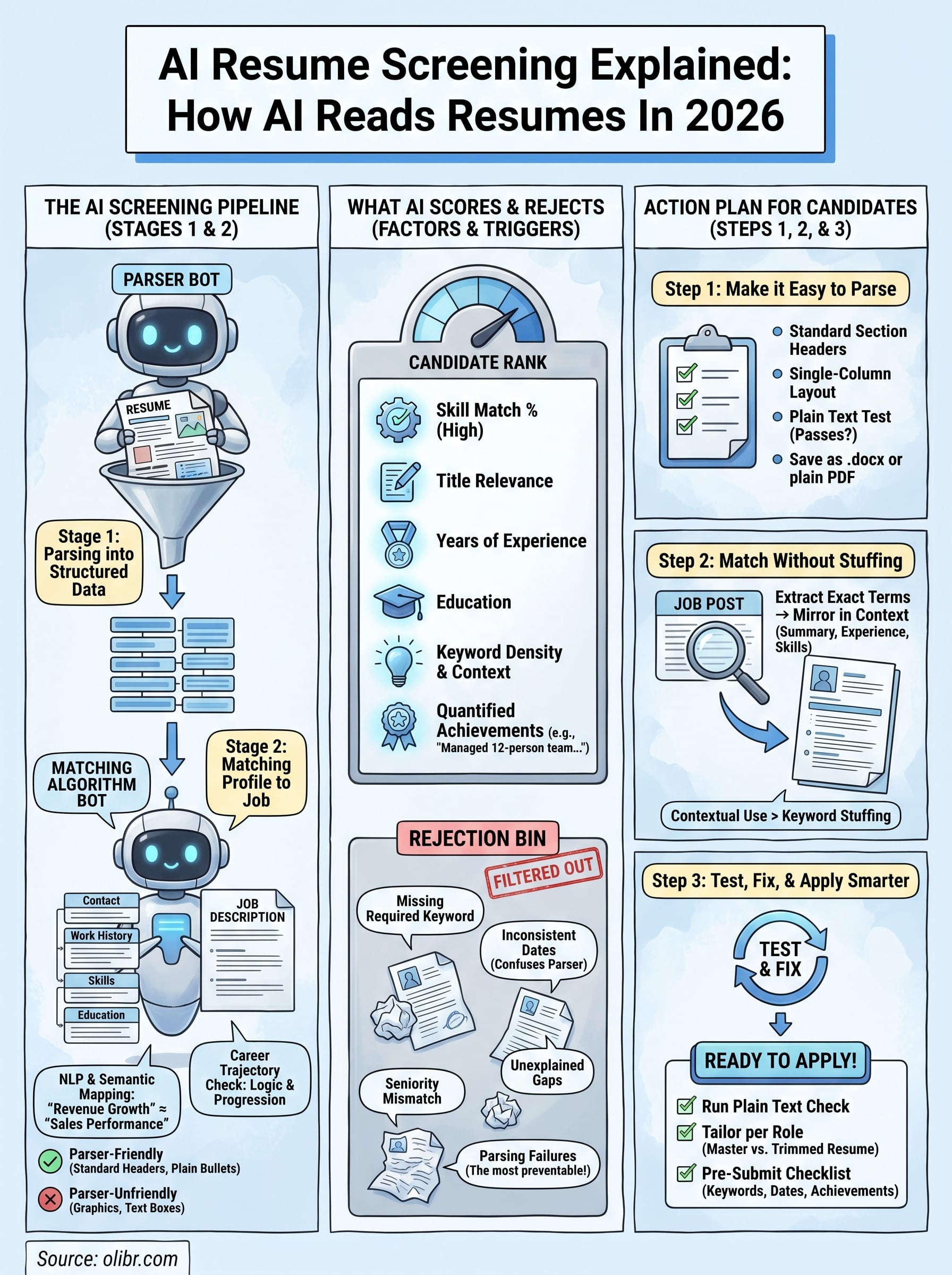
The first thing an AI does is parse your resume, stripping away formatting and converting raw text into structured data fields. The parser pulls information into discrete categories: contact details, work history, job titles, employment dates, education, and skills. This happens in milliseconds, but accuracy depends almost entirely on how cleanly your resume is formatted. Headers the system doesn't recognize, graphics it can't read, or tables that scramble column order can cause critical information to get misclassified or dropped entirely.
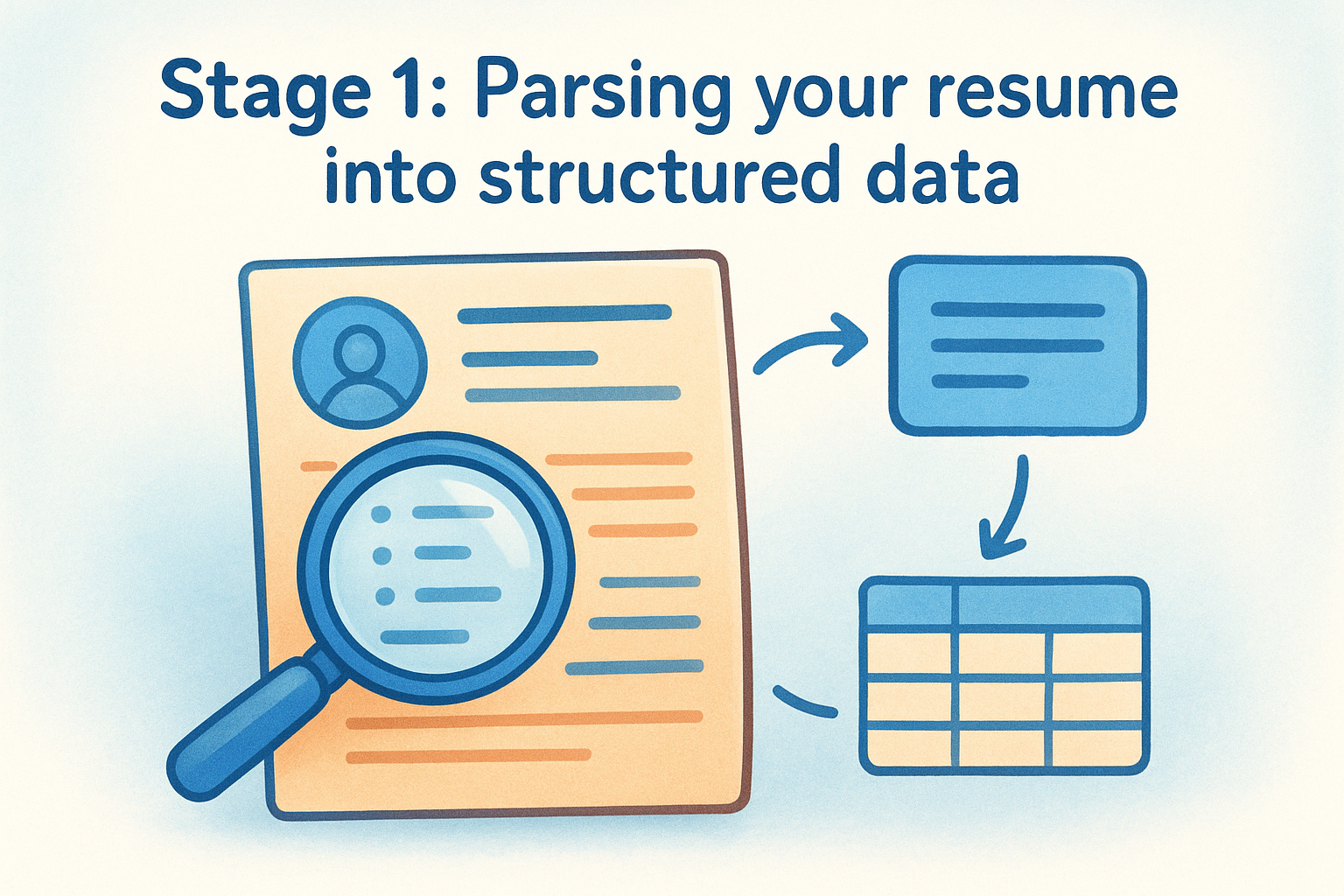
If your resume uses text boxes, columns, or embedded images for key content, a parser will likely miss that information completely, even if it's clearly visible on the page.
Here's what a parser handles well versus what breaks it:
| Parser-friendly | Parser-unfriendly |
|---|---|
| Standard headers (Experience, Education, Skills) | Custom headers ("My Journey," "What I Bring") |
| Plain bullet points | Multi-column or newspaper-style layouts |
| Clear date formats (Jan 2022, 2022-2024) | Graphics, logos, or icons |
| Single-column layout | Text boxes with key content inside |
| Standard fonts (Arial, Calibri, Times New Roman) | Headers saved as images |
Stage 2: Matching your profile to the job
Once your resume is parsed, the system runs a matching algorithm against the job description. Modern systems go beyond exact keyword matches, using natural language processing to identify related skills and semantic equivalents. A resume listing "revenue growth" can match a job requiring "sales performance" because the model understands conceptual overlap. Vague or generic language, however, weakens your score even when your actual experience is genuinely relevant.
Career trajectory matters too. Systems check whether your progression of roles makes logical sense for the position level, and some platforms flag unexplained gaps or lateral moves as risk factors in their scoring model, even before a recruiter opens your profile.
What AI scores and why it rejects resumes
Once parsing is complete, the system produces a candidate score that determines where you land in the ranked shortlist. Understanding how AI reads resumes at this scoring stage explains why strong candidates often get filtered out before anyone reviews them. The score isn't a single number pulled from one calculation. It's a weighted composite built from multiple signals evaluated simultaneously.
The scoring factors that shape your rank
Most AI screening systems weigh skill match percentage most heavily, followed by title relevance, years of experience, and education alignment. Beyond these core factors, modern platforms also evaluate keyword density, career progression logic, and the presence of measurable achievements. Generic statements like "responsible for managing projects" score lower than specific ones like "managed a 12-person team delivering projects 20% under budget." The more concrete your language, the higher your score.
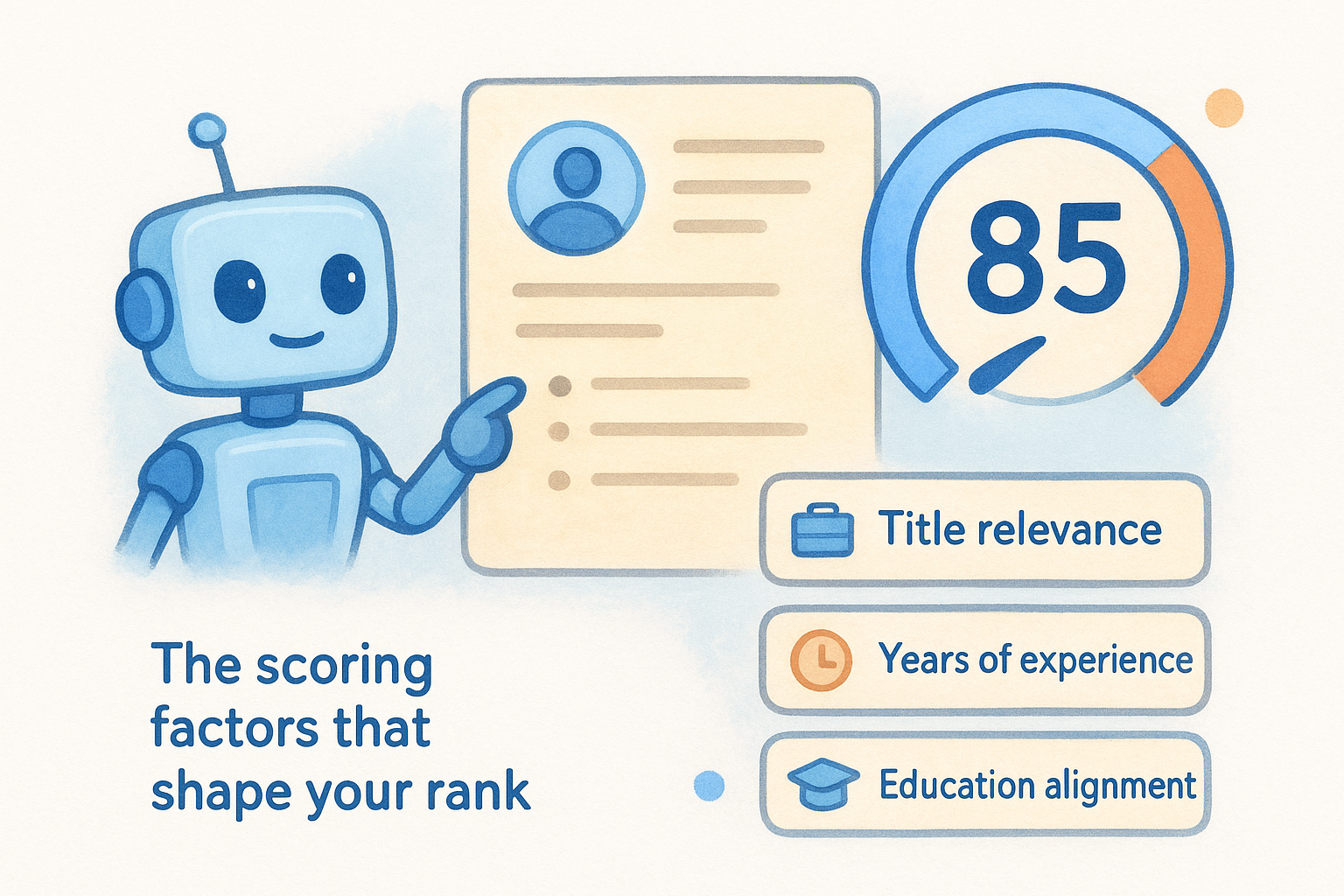
Quantified achievements consistently outperform vague responsibility statements in AI scoring models, because the system can map specific metrics to job requirements directly.
Why AI rejects resumes before a recruiter sees them
Rejections happen for reasons that often have nothing to do with your actual qualifications. A missing required keyword can drop your score below the recruiter's minimum threshold, even when your experience clearly covers that skill area. Inconsistent date formats can confuse the parser into miscalculating your total experience, making you appear underqualified. Other common rejection triggers include titles that don't map to the seniority level required, skill sections that list tools without context, and employment gaps flagged as high-risk without explanation. Fixing these specific issues moves you past the filter.
Step 1. Make your resume easy to parse
Parsing failures are the most common and most preventable reason strong candidates get filtered out. If you want to understand how AI reads resumes, start here: the system cannot score what it cannot read. Before worrying about keywords or job description alignment, your resume needs to come through the parser as clean, structured data. A beautifully designed resume with a two-column layout, custom icons, or a header saved as an image will lose critical information at this stage.
A resume that looks great as a PDF but fails to parse correctly is invisible to any AI screening system, regardless of how qualified you are.
Use standard section headers and single-column formatting
Section labels are the parser's roadmap. Stick to conventional terms: "Work Experience," "Education," "Skills," and "Certifications." Avoid creative alternatives like "Where I've Been" or "What I Know," because the parser will not recognize them and may discard the content underneath. Use a single-column layout with clear visual hierarchy, plain bullet points, and readable fonts like Arial or Calibri at 10 to 12pt.
Here is a clean resume structure that passes parser checks consistently:
Name | Email | Phone | LinkedIn URL | Location

Summary
[2-3 sentences, plain text]

Work Experience
Job Title, Company Name | Month Year - Month Year
- Achievement with metric
- Achievement with metric

Education
Degree, Institution | Year

Skills
Skill 1, Skill 2, Skill 3
Save your final resume as a .docx or plain PDF with no embedded images, text boxes, or graphics holding key content. These two format choices cover the majority of ATS parsers in use today.
Step 2. Match the job without keyword stuffing
Once your resume parses cleanly, the next challenge is language alignment with the job description. Understanding how AI reads resumes at this stage means recognizing that the system doesn't reward repetition, it rewards relevance. Pasting the same keyword fifteen times won't lift your score. It will either trigger spam filters or get weighted the same as one clean mention. Your goal is to mirror the job's exact language naturally across your experience descriptions, summary, and skills section.
Keyword stuffing lowers your score on modern AI systems because NLP models detect unnatural repetition and treat it as a signal of low-quality content.
Extract the exact terms the job uses
Job descriptions contain the precise vocabulary the matching algorithm expects. Pull out role-specific titles, required skills, tools, and action verbs directly from the posting, then use those exact terms in context throughout your resume. Don't substitute synonyms when the posting uses a specific phrase. If the job says "stakeholder communication," use that phrase, not "cross-functional collaboration," even if they mean the same thing to you.
Here is a simple process for extracting and mapping keywords:
- Copy the full job description into a plain text document.
- Highlight every skill, tool, title, and requirement mentioned.
- Check which of those terms already appear in your resume.
- For any gaps you genuinely cover, add them in context within your bullet points, not in a standalone list.
- Remove any skill you listed that the job description does not reference at all.
This keeps your resume tightly aligned to what the system scores without forcing in terms that don't belong.
Step 3. Test, fix, and apply smarter
After formatting your resume and aligning your language to the job description, the final step is testing your resume before you submit it. Most candidates skip this entirely and apply blind, without knowing how AI reads resumes actually processes their document. Running a quick pre-submit check takes less than five minutes and can reveal parsing failures or keyword gaps you missed in earlier steps.
Run your resume through a parser check
Paste your resume text directly into a plain text editor to simulate what a parser sees. If the content loses structure, scrambles your dates, or drops entire sections in plain text, that is exactly what the ATS will experience when processing your file. Fix the formatting issues first, then recheck. A clean plain-text output confirms your document structure is solid before you submit anywhere.
If your resume reads cleanly as plain text, it will parse cleanly through virtually any ATS system in use today.
Apply with a version tailored to each role
Sending one generic resume to every opening is the fastest way to score poorly across the board. Tailor your skills section and summary for each specific posting using the keyword extraction process from Step 2. Keep a master resume document with all your experience, then create a trimmed, targeted version per application. This approach takes an extra ten minutes and consistently produces better match scores than a one-size-fits-all file.
Here is a pre-submit checklist to run through before every application:
- Plain text test passes with no scrambled content
- Required keywords appear in context, not just in a standalone list
- Date formats are consistent across all roles
- At least three quantified achievements are present
- File is saved as .docx or plain PDF
Before you hit submit
Understanding how AI reads resumes gives you a concrete advantage over every candidate who applies blind. The system follows a predictable sequence: parse your document, extract structured data, score your match against the job, and rank you against the pool. You now know each stage in that sequence and exactly where candidates lose points they should never have lost.
Run the plain text test. Mirror the job's language in context. Quantify your achievements. Fix your formatting before you apply anywhere. These steps take under thirty minutes and directly improve how any screening system scores your profile.
If you're on the recruiter side of this process and want to see how modern AI matching actually works in practice, explore Olibr's AI-powered hiring platform to search a database of 180,000+ candidates, run AI interviews, and match profiles to job descriptions without paying a monthly subscription fee.
For hiring teams
Search 180,000+ candidate profiles — free.
Olibr is a community-funded recruiting platform: full ATS, AI interviews, and a shared resume database. No per-seat fees.